Tel+250788487904 | info@e-creations.net


📺 Watch the full video comparison →Ecreations Technologies on YouTube
The MacBook Air M3 and the Dell XPS 13 are two of the best ultrabooks money can buy. Both are premium, both are beautiful, and both cost over $1,000. But they’re built on completely different philosophies — and choosing the wrong one could leave you frustrated for years.
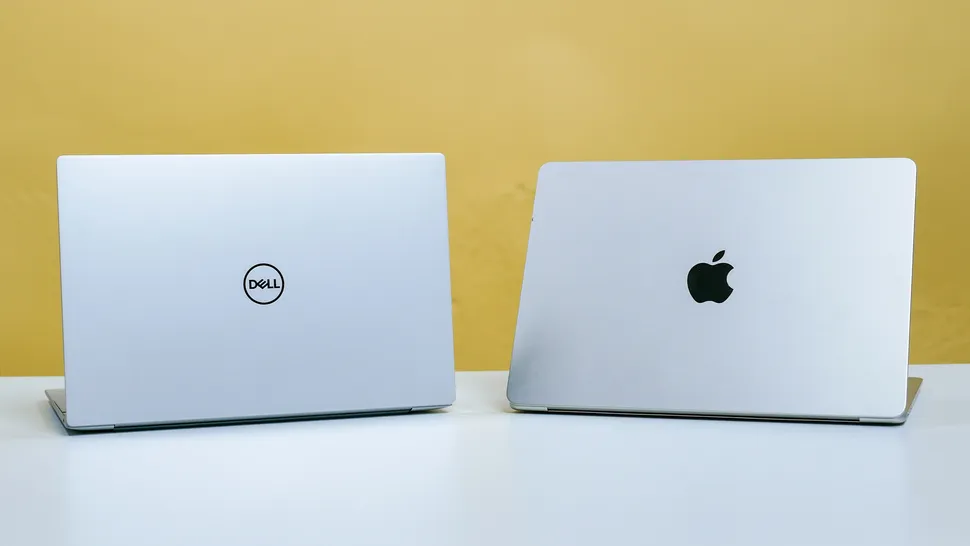
In this guide, we break down the comparison across six key categories — performance, display, battery life, design and build, value for money, and software ecosystem — and give you a clear, honest verdict at the end. No paid promotions, no bias.
⚡ Quick verdict: The MacBook Air M3 wins on performance, display, and battery life. The Dell XPS 13 wins on value per dollar and Windows flexibility. Keep reading to find out which one is right for you specifically.
📋 What’s in This Comparison
- 1. Full specs comparison at a glance
- 2. Round 1: Performance
- 3. Round 2: Display Quality
- 4. Round 3: Battery Life
- 5. Round 4: Design & Build
- 6. Round 5: Value for Money
- 7. Round 6: Software & Ecosystem
- 8. Final scorecard & overall verdict
- 9. Who should buy which — the simple guide
- 10. FAQ
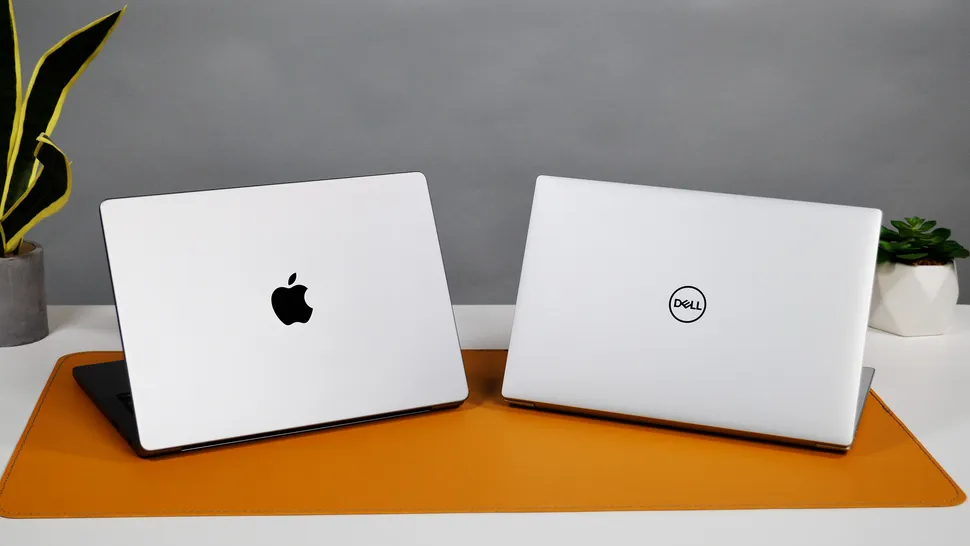
Full Specs Comparison at a Glance
| Spec | 🍎 MacBook Air M3 | 💻 Dell XPS 13 |
| Starting Price | From $1,099 | From $999 |
| Processor | Apple M3 (8-core CPU) | Intel Core i7-1360P |
| RAM (base) | 8GB Unified Memory | 16GB LPDDR5 |
| Storage (base) | 256GB SSD | 512GB SSD |
| Display | 13.6″ Liquid Retina 2560×1664 | 13.4″ FHD+ InfinityEdge |
| Display Brightness | 500 nits | 400 nits |
| Battery (claimed) | Up to 18 hours | Up to 12 hours |
| Weight | 1.24 kg | 1.27 kg |
| Thickness | 11.3 mm | 14.8 mm |
| Ports | 2× Thunderbolt 4 + MagSafe + 3.5mm | 2× Thunderbolt 4 + 3.5mm |
| Fan | Fanless — completely silent | Active cooling — fan present |
| OS | macOS Sonoma | Windows 11 |
Important note: The MacBook Air M3 base config starts at $1,099 but comes with only 8GB RAM and 256GB storage. The Dell XPS 13 starts at $999 with 16GB RAM and 512GB SSD. This pricing difference matters enormously in the value comparison — we cover it in Round 5.
Performance
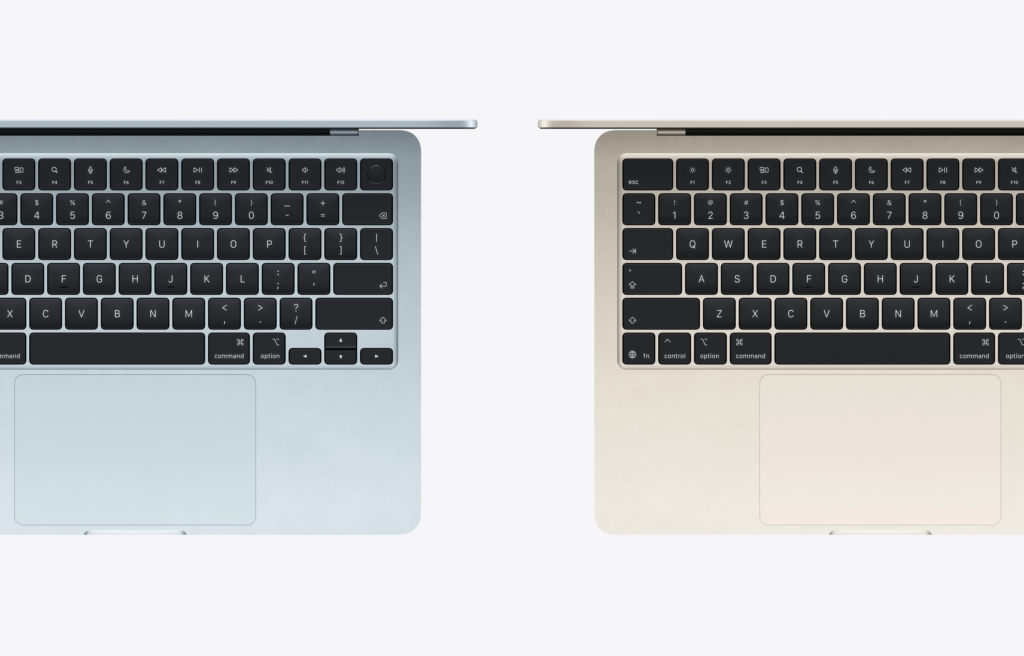
🍎 MacBook Air M3 — Apple’s M3 chip is one of the most efficient processors ever put inside a laptop. It handles web browsing, documents, video calls, photo editing, and even light video editing at 1080p without breaking a sweat. More impressively, it does all of this completely fanless — there is no cooling fan in the MacBook Air M3. Zero fan noise, ever. Performance stays consistent whether you’re on battery or plugged in, which is rare for any laptop.
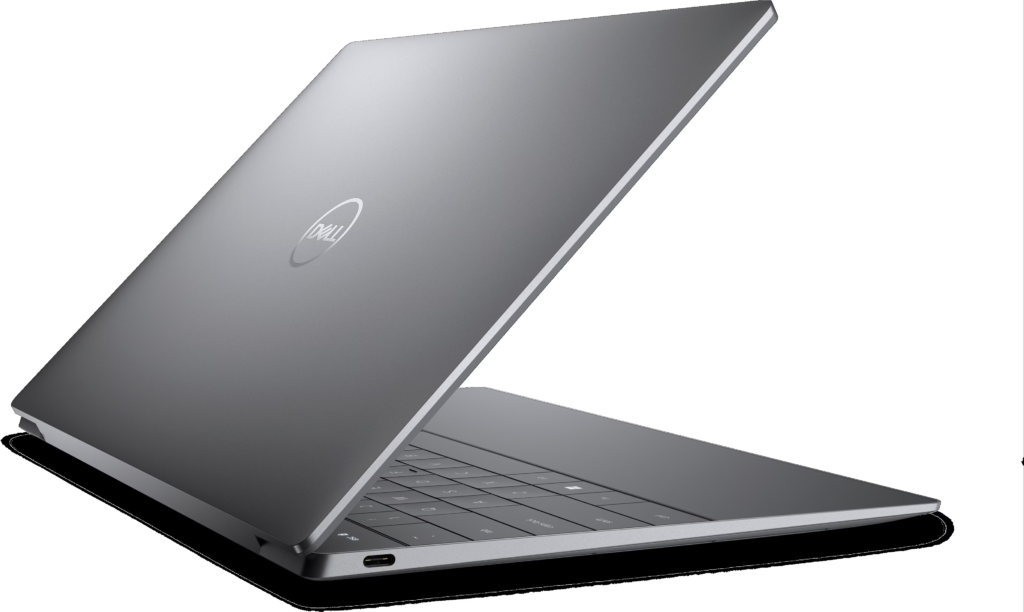
💻 Dell XPS 13 — The Intel Core i7-1360P is a fast processor, and in short bursts it can match or beat the M3 in multi-core tasks. However, the XPS 13 does have a fan, and under sustained load — long video exports, heavy multitasking — the processor throttles as the chassis heats up. Real-world sustained performance is noticeably below the MacBook Air M3 over time.
🔬 In real-world benchmarks from LaptopMedia and Digital Trends, the MacBook Air M3 consistently outperforms the XPS 13 in sustained workloads and GPU-intensive tasks, while delivering dramatically better efficiency.
| ⚡ Performance | Silent, consistent, no throttling | Fast in bursts, throttles under load | 🍎 |
Display Quality
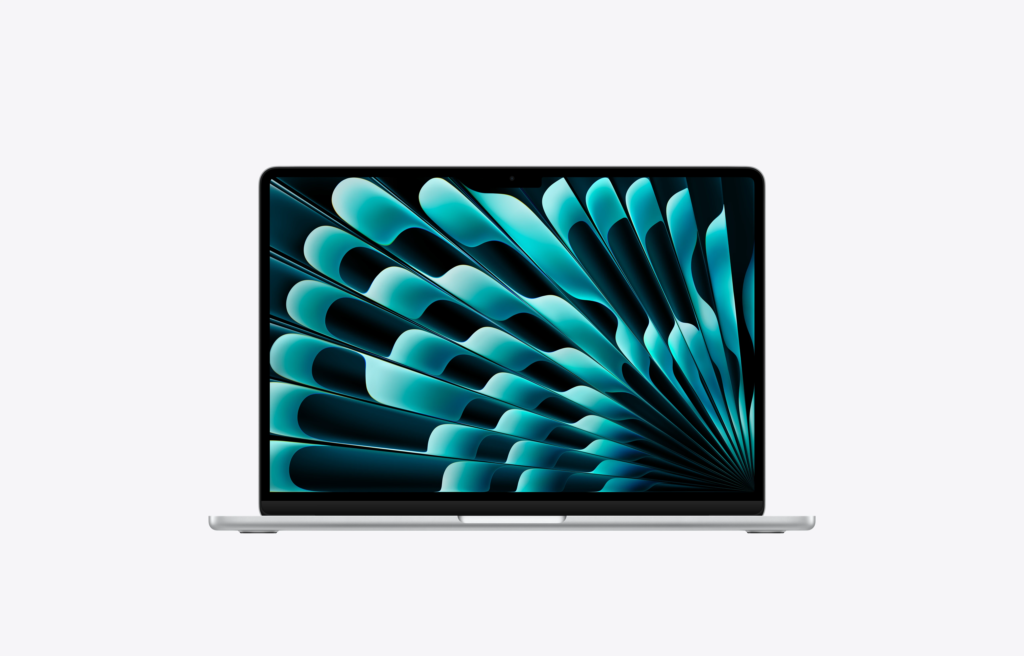
🍎 MacBook Air M3 — The 13.6-inch Liquid Retina display is exceptional. With a resolution of 2560×1664 and 500 nits of sustained brightness, it’s one of the sharpest and most accurate displays available in this size. Apple’s True Tone technology automatically adjusts color temperature based on ambient lighting, reducing eye strain. Text rendering on macOS at this resolution is noticeably crisper than any Windows equivalent.
💻 Dell XPS 13 — The InfinityEdge FHD+ display at 400 nits is genuinely excellent — bright, colorful, and with razor-thin bezels that make it visually striking. However, the base FHD+ resolution (1920×1200) is noticeably less sharp than the MacBook’s Retina panel. Dell does offer premium configurations with a 2.8K OLED display — but those cost $1,800+, well above the MacBook Air M3’s price range.
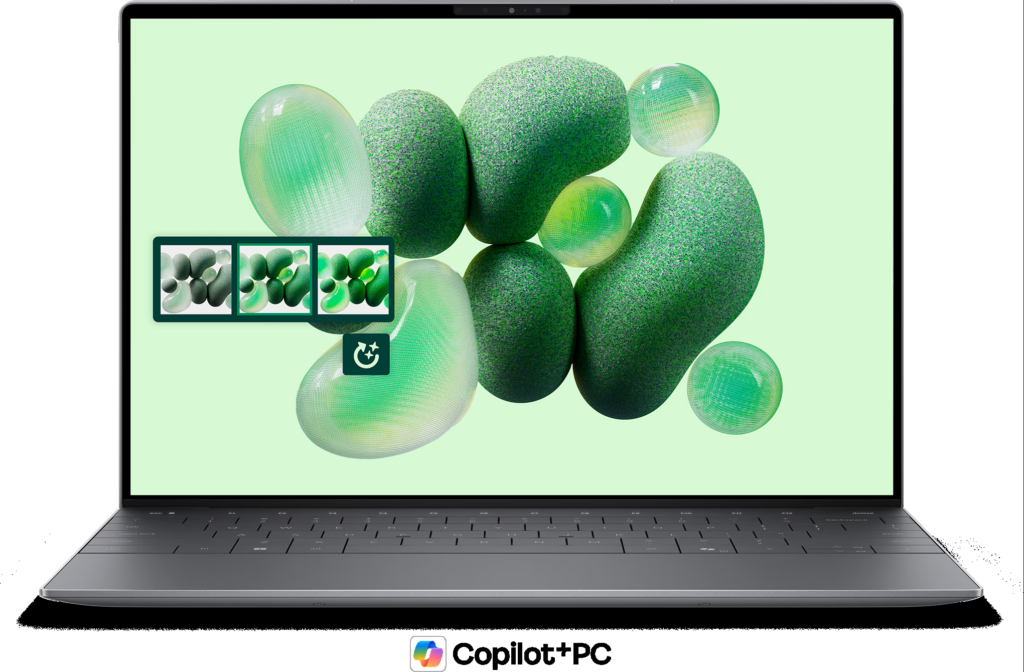
Side by side, the difference in display sharpness between the MacBook Air M3 and the base Dell XPS 13 is immediately visible — especially for text and fine detail work.
| 🖥️ Display | Retina 2560×1664, 500 nits, True Tone | FHD+ InfinityEdge, 400 nits | 🍎 |
Battery Life
🍎 MacBook Air M3 — Apple claims up to 18 hours of battery life. Independent testing from multiple sources consistently shows 12–15 hours of real-world use under mixed workloads — web browsing, document editing, video calls. This is the best battery life of any ultrabook at any price in 2026. It’s genuinely transformative — most users can go two days on a single charge with light use.
💻 Dell XPS 13 — Dell claims up to 12 hours. Real-world testing delivers 7–9 hours under normal productivity workloads. That’s solid for a Windows laptop — above average for the category — but it doesn’t compete with the MacBook Air. If you’re away from a charger for a full working day, the XPS 13 will need a top-up; the MacBook Air won’t.
🔋 Battery verdict: The MacBook Air M3’s battery advantage is not marginal — it’s significant. 12–15 hours vs 7–9 hours is the difference between charging once a day and charging twice.
| 🔋 Battery Life | 12–15h real world — class-leading | 7–9h real world — above average | 🍎 |
Design & Build Quality
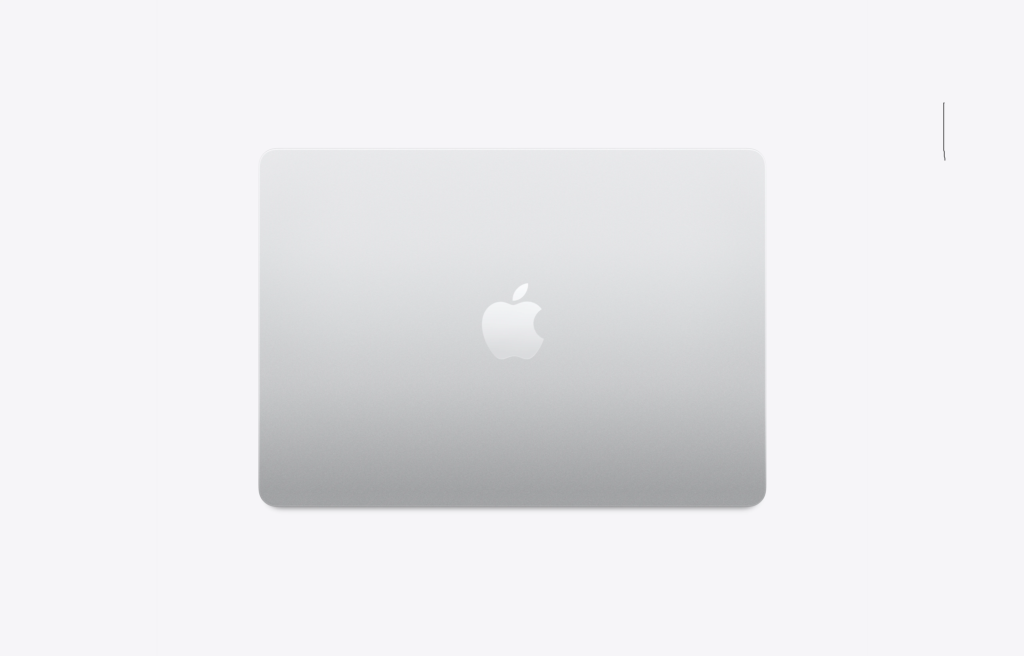
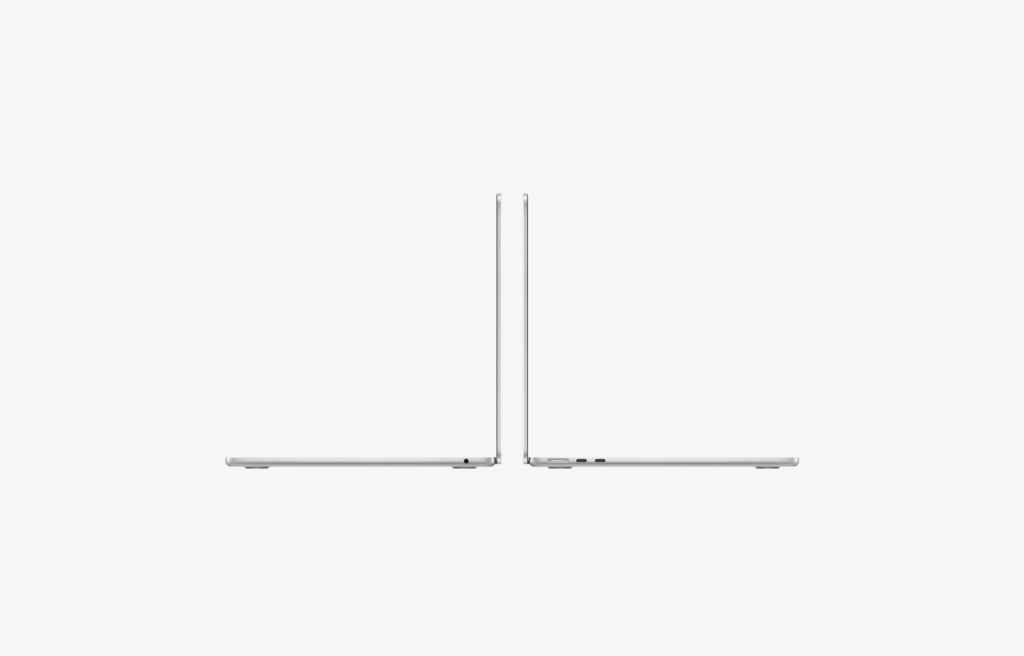
🍎 MacBook Air M3 — The MacBook Air M3’s aluminum unibody chassis is iconic for a reason — it’s thin (11.3mm), light (1.24kg), and feels indestructible. The keyboard has excellent 1mm key travel with a satisfying feel, and MagSafe charging means you never sacrifice a Thunderbolt port for power. Available in four colors: Midnight, Starlight, Space Gray, and Silver.
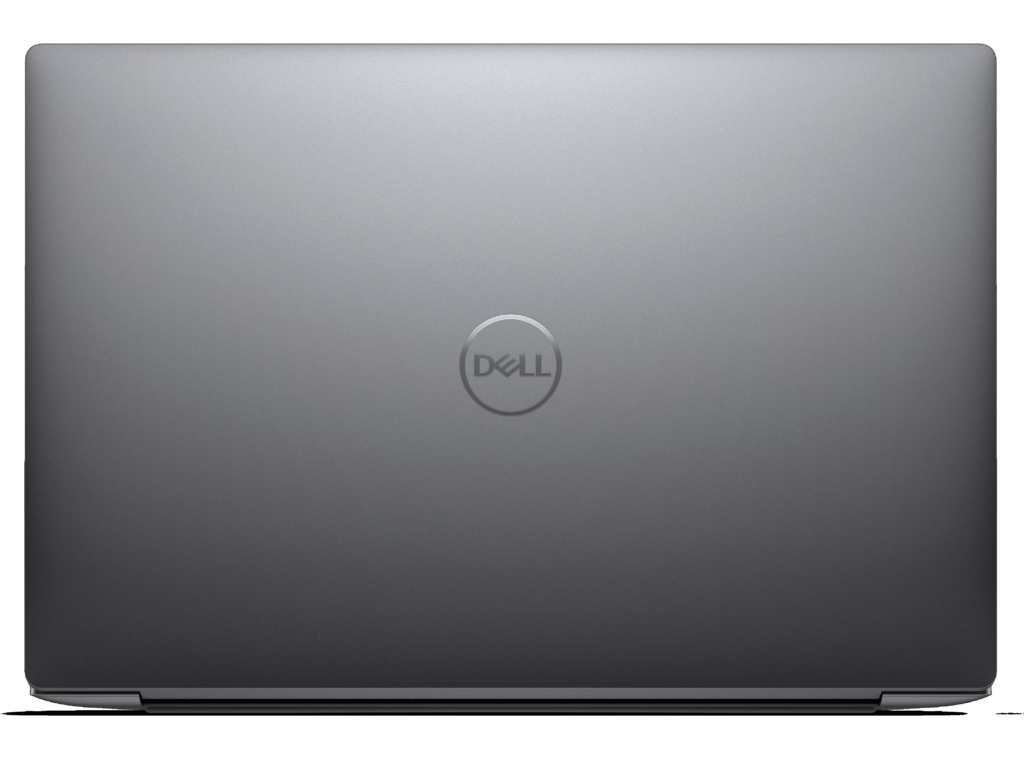
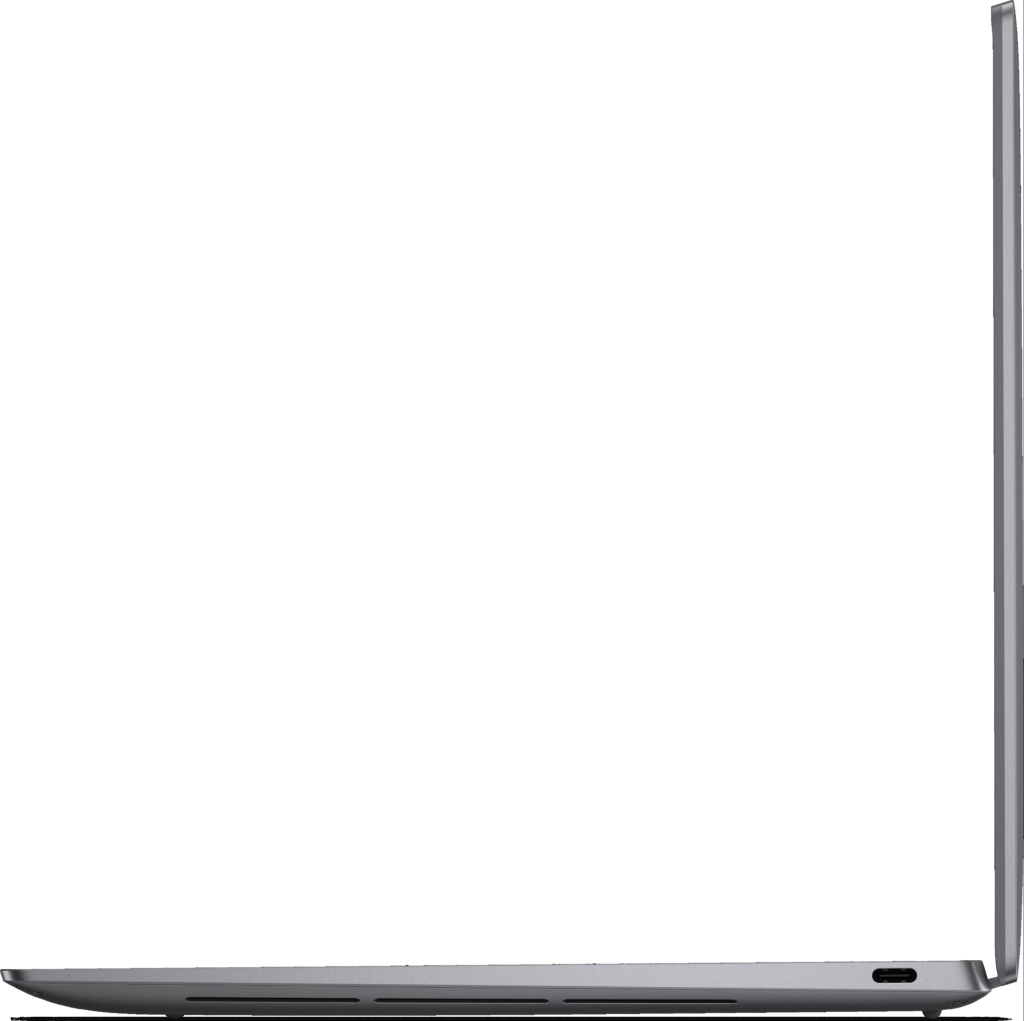
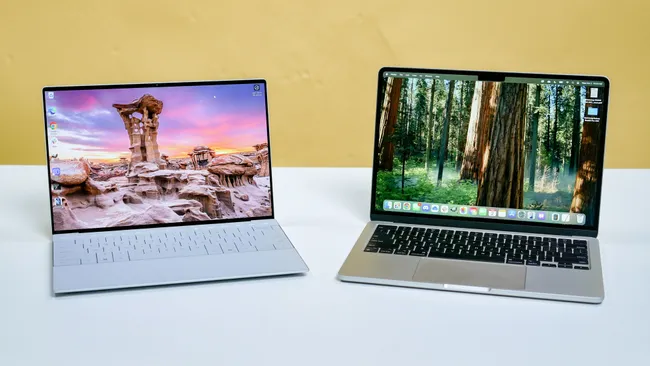
💻 Dell XPS 13 — The XPS 13 is arguably more visually striking — with a CNC-machined aluminum lid, carbon fiber interior accents, and almost nonexistent bezels that give it a futuristic look. It’s slightly heavier (1.27kg) and thicker (14.8mm) than the MacBook Air. The edge-to-edge keyboard with zero key spacing is controversial — some users love the seamless aesthetic; others find the lack of key separation reduces typing accuracy. The glass touchpad with no visible boundary is also polarizing.
Both are premium products. The MacBook Air is more practical; the Dell XPS 13 is more visually distinctive. This round is genuinely a matter of personal preference.
| 🎨 Design & Build | Thinner, MagSafe, proven design | More striking visually, heavier | 🤝 |
Value for Money
🍎 MacBook Air M3 — At $1,099, the base MacBook Air M3 comes with only 8GB of RAM and 256GB of storage. In 2026, 256GB fills up remarkably fast — a single large video project or photo library can exhaust it. And 8GB of unified memory, while efficient, can feel limiting if you run multiple demanding applications. To get a properly configured MacBook Air M3 (16GB RAM + 512GB SSD), you’re looking at $1,499. That’s a substantial investment.
💻 Dell XPS 13 — At $999, the Dell XPS 13 ships with 16GB of RAM and a 512GB SSD out of the box. Comparing the $999 Dell to the $1,499 MacBook Air M3 (the comparable configuration), the Dell offers more RAM and equivalent storage for $500 less. On raw specs-per-dollar, the Dell wins this round decisively.
💰 Key insight: Never compare the $1,099 MacBook Air M3 to the $999 Dell XPS 13 — the Mac’s 8GB/256GB base config is not a fair daily driver for most users in 2026. The real comparison is the $1,499 MacBook Air M3 vs the $999 Dell XPS 13.
| 💰 Value for Money | $1,099 base too limited — $1,499 for real use | 16GB + 512GB for $999 — better specs per dollar | 💻 |
Software & Ecosystem
🍎 MacBook Air M3 — If you own an iPhone, iPad, or AirPods, the MacBook Air integrates into your life in ways Windows simply cannot replicate. AirDrop transfers files between devices instantly. Handoff lets you start a task on your iPhone and continue on your Mac. iMessage works natively. Universal Clipboard lets you copy on one device and paste on another. macOS is also notably more stable than Windows, with fewer background processes, faster updates, and longer software support lifecycles.
💻 Dell XPS 13 — Windows 11 offers broader software compatibility than macOS — especially for professional tools, gaming, and enterprise software. If your workflow requires specific Windows applications — engineering tools, accounting software, certain Adobe workflows, Microsoft Access — there is no substitute. Windows also integrates better with Android phones and offers more hardware customization options.
This round has no universal winner — it depends entirely on your existing ecosystem and software requirements.
| 🌐 Software & Ecosystem | Best for Apple ecosystem users | Best for Windows-dependent workflows | 🤝 |
Final Scorecard
| Category | 🍎 MacBook Air M3 | 💻 Dell XPS 13 | Winner |
| ⚡ Performance | Silent, consistent | Throttles under load | 🍎 MacBook |
| 🖥️ Display | Retina — sharper | FHD+ — good not great | 🍎 MacBook |
| 🔋 Battery Life | 12–15h real world | 7–9h real world | 🍎 MacBook |
| 🎨 Design & Build | Thinner, MagSafe | More striking visually | 🤝 Tie |
| 💰 Value for Money | Expensive at base | More specs for less $ | 💻 Dell |
| 🌐 Software / Ecosystem | Best for Apple users | Best for Windows users | 🤝 Tie |
Who Should Buy Which — The Simple Decision Guide
| 🍎 Buy the MacBook Air M3 if… | 💻 Buy the Dell XPS 13 if… |
| • You use iPhone / iPad every day | • You need Windows-specific software |
| • Battery life is your #1 priority | • You want more RAM & storage for less |
| • You do creative work (photo/video) | • You prefer Windows flexibility |
| • You value silence — no fan noise | • Your budget is closer to $999 |
| • You can budget for the 16GB config | • You’re an Android / Windows user |
Frequently Asked Questions
Is the MacBook Air M3 worth the extra money over the Dell XPS 13?
It depends on which configurations you’re comparing. If you compare the $1,099 base MacBook Air M3 to the $999 Dell XPS 13, the Dell actually gives you more RAM and storage for less. If you compare properly configured machines (16GB RAM + 512GB SSD), the MacBook Air M3 at $1,499 offers better performance, display, and battery — but at a $500 premium over the Dell. Whether that premium is worth it depends on how much you value those advantages.
Can the Dell XPS 13 run macOS software?
No. macOS software — Final Cut Pro, Logic Pro, and all Apple-exclusive applications — runs only on Apple hardware. The Dell XPS 13 runs Windows 11. If specific macOS software is part of your workflow, the MacBook Air is your only option.
Which is better for video editing?
For 1080p editing: Both handle it. The MacBook Air M3 is faster and more consistent. For 4K editing: The MacBook Air M3 is the clear winner — the M3’s media engine handles ProRes 4K footage significantly better than the XPS 13’s Intel iGPU. If video editing is a core use case, the MacBook Air M3 is the right choice.
Does the Dell XPS 13 have better port selection?
Both laptops have two Thunderbolt 4 USB-C ports and a 3.5mm headphone jack. The MacBook Air M3 adds MagSafe for charging, meaning you don’t sacrifice a Thunderbolt port for power — giving it a practical advantage in daily use. Neither laptop has USB-A, HDMI, or SD card slots — you’ll need a hub for both.
Which laptop is better for students?
For most students, the Acer Aspire 5 or ASUS VivoBook 15 are more practical choices at under $500. But if budget isn’t a concern: students in the Apple ecosystem who prioritize battery life and display quality should choose the MacBook Air M3. Students who need Windows software compatibility or want more storage and RAM at a lower price point should choose the Dell XPS 13.
Is the MacBook Air M3 still worth buying in 2026?
Yes. The M3 chip remains highly capable for productivity, creative work, and everyday use in 2026. Prices may be lower than at launch, making it an even better value. The main consideration is whether to wait for an M4 MacBook Air — if deals on the M3 are available, it’s still an excellent purchase.
Final Verdict — Our Honest Recommendation
The MacBook Air M3 is the better laptop by most objective measures — better performance, better display, dramatically better battery life, and better long-term software support. If you’re in the Apple ecosystem and can budget for the 16GB RAM configuration at $1,499, it’s one of the best ultrabooks ever made.
The Dell XPS 13 is the smarter buy for Windows users and value-seekers. At $999 with 16GB RAM and 512GB SSD out of the box, it delivers more hardware for less money. For users who need Windows, prefer flexibility, or can’t justify the Apple premium — the XPS 13 is a genuinely excellent laptop.
There is no wrong choice here. But there is a wrong choice for you specifically — and that answer depends on your ecosystem, your budget, and your priorities.
📺 Watch our full video comparison of the MacBook Air M3 vs Dell XPS 13 on YouTube — Ecreations Technologies. We go deeper on real-world performance tests and show you both laptops side by side. New videos every week!
About Ecreations Technologies
We’re a tech review channel and blog dedicated to helping you make smarter buying decisions. No sponsorship bias, no hype — just honest, in-depth reviews of laptops, PCs, and electronics. New content every week.
🌐 www.e-creations.net | 📺 YouTube: @Ecreationstechs